-
Event pictures {| |
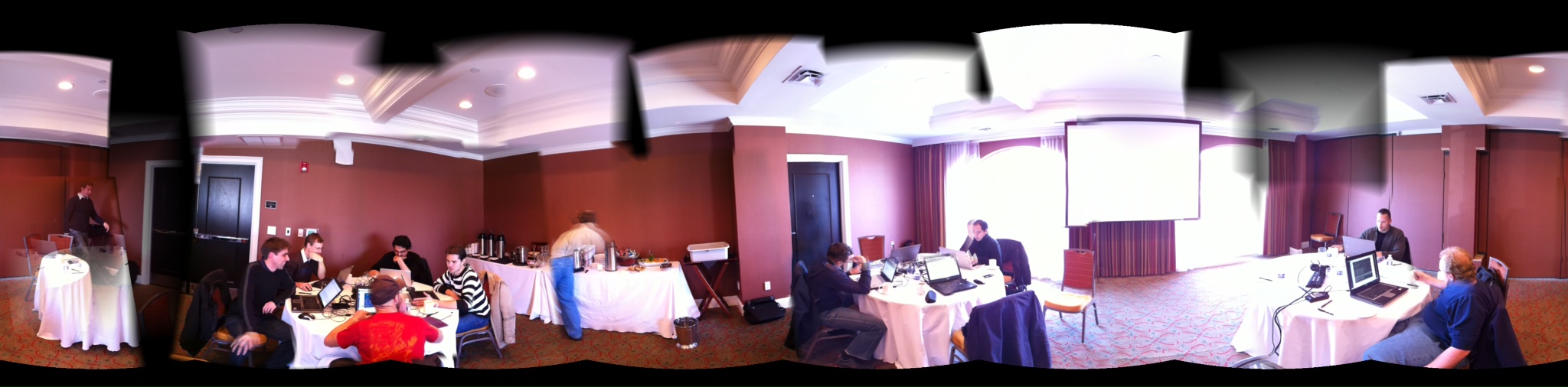 |
|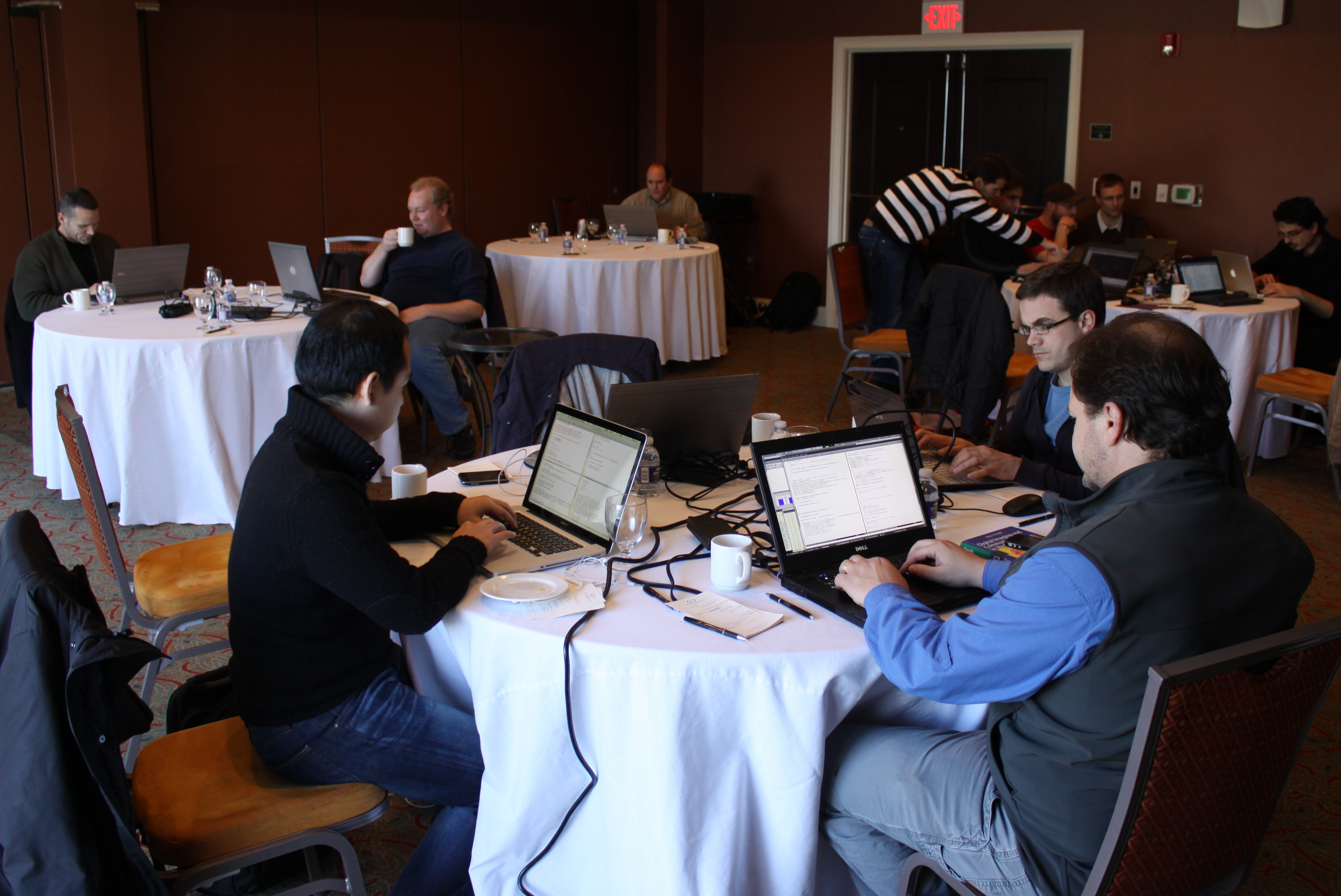 |
|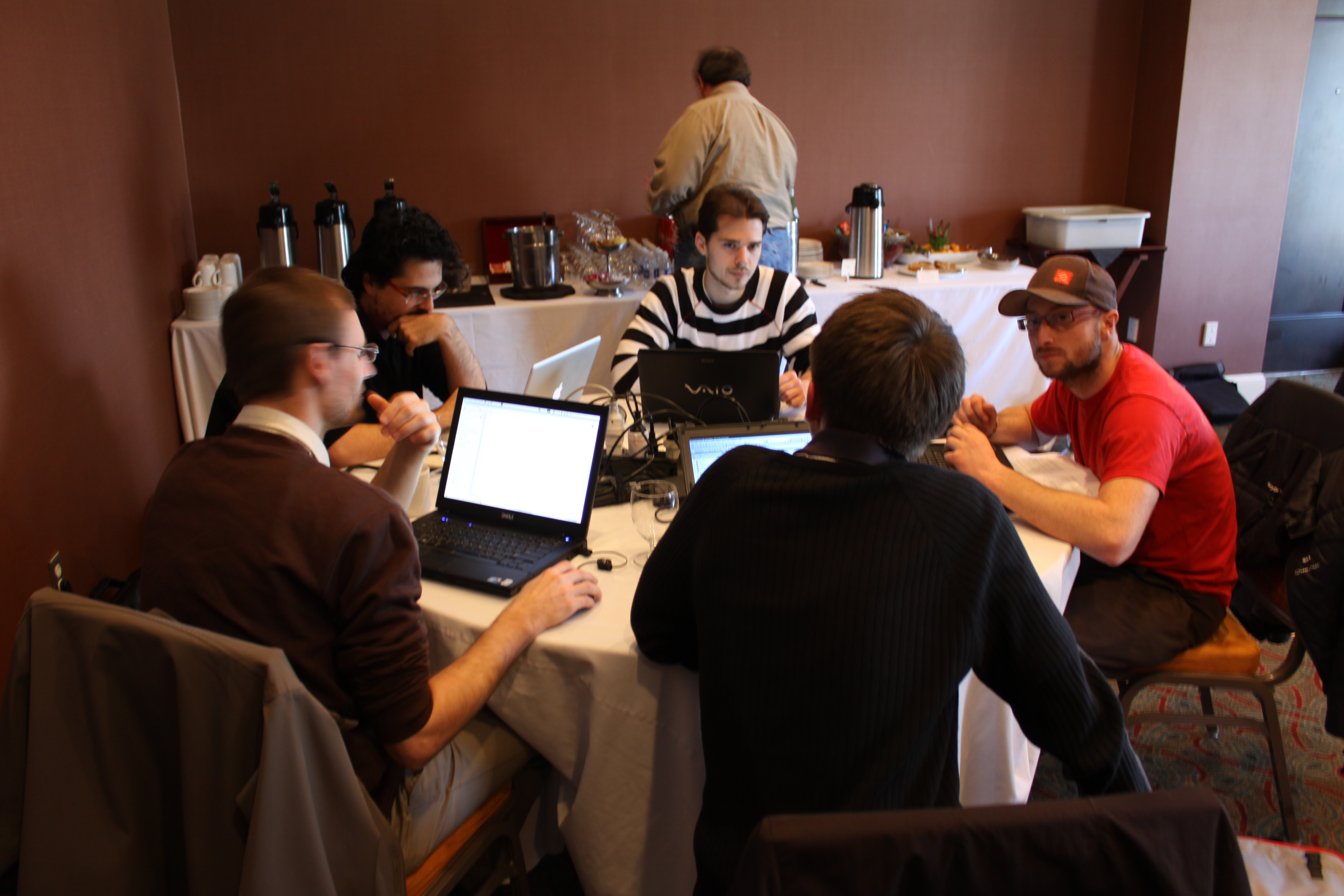 |}
|} -
Introduction Date: February 7-11, 2011
Location: Chapel Hill, North Carolina, USA: The Franklin Hotel
Goal: A follow on to the wildly successful previous hackfests!
Requirements: Attendees must be willing to spend their time with the details of dicom, git, cmake, c++, Qt, vtk, itk, openinventor, and related technologies. People who do not feel qualified for this are politely not invited :)
Group size: Maximum 20 participants so we can have a manageable working meeting. The organizing committee will invite and select participants based on input from TheTeam.
Organizers: Ivo Wolf, Steve Pieper, Stephen Aylward
Site Hosts: Kitware’s office in North Carolina: Julien Finet, Jean-Christophe Fillion-Robin, Stephen Aylward
Future Events: Future hackfests will be announced in advance, and we hope lots of people will be interested in participating. The venue and activities at future hackfests will be determined based on the number of active participants in the project. We welcome participation via the CTK email lists, the source code repository, and this website.
-
Attendees Please add your name below or [mailto:stephen.aylward@kitware.com;pieper@bwh.harvard.edu;i.wolf@hs-mannheim.de email the hackfest organizers] if you wish to attend the Hackfest. Please also indicate if you plan on staying at the hotel (anticipated room rate is $139/night): {| border=”5” cellpadding=”10” ! Name ! Organization ! Staying at Hotel |- | Jean-Chistophe Fillion-Robin | Kitware | No |- | Julien Finet | Kitware | No |- | Steve Pieper | Isomics | Yes |- | Ivo Wolf | Hochschule Mannheim | Yes |- | Stephen Aylward | Kitware | No |- | Marco Nolden | DKFZ, Heidelberg | Yes |- | Sascha Zelzer | DKFZ, Heidelberg | Yes |- | Daniele Giunchi | SCS, Bologna | Yes |- | Beno�t Bleuz� | INRIA, Sophia-Antipolis | Yes |- | Lawrence Tarbox | Washington University St. Louis | Yes |- | Nicholas Herlambang | AZE, Japan | Yes |- | Dave Partyka | Kitware | Yes |}
-
Preparation Developers should bring a laptop with the current CTK source code downloaded and built.
Use the CTK developers mailing list to discuss build issues and topics for ongoing work.
- Topics and Projects
- Overview: Draft of CTK_Integration_Levels_Overview.
- Goal: Pick up threads of discussion and activity from previous events
General set of topics (attendees, please flesh this out with your own ideas!)
1. DICOM - ctkDICOM app functionality ** Q/R  *** make CTK work with the official DCMTK release, maybe host the find-scu code in CTK *** integrate with DICOM central test node ** integrate indexer and SQLite *** Parse DICOMDIR ** ctkDICOMWidgets design and implementation plan [http://www.commontk.org/index.php/Documentation/WidgetPlans#Medical_Imaging_Widgets](http://www.commontk.org/index.php/Documentation/WidgetPlans#Medical_Imaging_Widgets) *** Display Study/Series  ** IHE standardized viewer application built using ctk? (icons, naming) *** Drill down to images *** Possibly follow guidelines from the  [IHE Basic Image Review (BIR) Profile](http://www.ihe.net/Technical_Framework/upload/IHE_RAD_Suppl_BIR_Rev1-1_TI_2010-11-16.pdf) **** Although we may not implement all of BIR, it might be nice to follow the BIR GUI conventions, such as behavior of the mouse and mouse buttons, the study/series strip, the basic GUI icons and behavior.  Perhaps these could be widgets or objects in CTK, to make it easy for users/developers to create applications that follow the spirit of BIR conventions? **** Note that we can jazz up (e.g. use 3D shading, change button shape, color) the standardized icons shown in the profile and still be compliant, as long as the basic icon form (e.g. arrow, double arrow, etc.) is recognizable. ** Local DICOM Directory and Database Structure  - Application Hosting ** Hosting Logic ** QtSOAP vs Axis2C implementation details *** Should be discussed but probably not be changed during hackfest ** How does data move?  Rendering tie in?  Need to handle dynamic data? ** What level of demo application is possible? *** Interoperable with C# and Java Implementation? *** Example hosted command line modules? (file based) *** Start work on DICOM native models ("trickle in data") ** Hosted Interface Generation *** Complicated *** XAxis2c *** CXF http://cxf.apache.org/

1. Widgets - Light image viewer

1. Events and Communications - Event Bus integration: Daniele and Sascha ** Driving use case *** Multi-process communication within an app **** Remote GUI/Viewer **** Stream bitmap ** Move protocol to core library ** Create new connector for remote comm (remote event bus) *** Using zeromq: http://www.zeromq.org/ **** Addresses limitations of QtSOAP *** Complimentary to DICOM App Hosting **** For arbitrary comm between remote apps

1. GIT / Gerrit - Review wiki instructions
- Accomplishments and Next Steps
1. ctkDICOM
- Major Classes Some of the key parts of the code that got active work during the hackfest: - Libs/DICOM/Core (wrappers around DCMTK) ** ctkDICOMDatabase - manages sqlite index, directory hierarchy, thumbnails ** ctkDICOMModel - exposes database in Qt MVC pattern ** ctkDICOMIndexer - populates database ** ctkDICOMQuery - run queries (C-Find) ** ctkDICOMRetrieve - get data (C-Move) ** ctkDICOMDataset - represent dicom data in memory ** ctkDICOMImage - expose the image data - Libs/DICOM/Widgets (QWidget subclasses for the GUI) ** ctkDICOMAppWidget - top level (used by ctkDICOM application) ** ctkDICOMQueryRetrieveWidget - implements the query/retrieve dialog ** ctkDICOMQueryWidget - exposes options for date, modality, keyword search ** ctkDICOMServerNodeWidget - options for dicom servers, AETitles, ports ** ctkDICOMThumbnailWidget - for study/series preview ** ctkDICOMDatasetViewWidget - image display, pan, zoom
See the CTK doxygen documents for more information.
Directory layout used by ctkDICOMDatabase:
pre ctkDICOMDirectory/ ctkDICOM.sql # index to files in this dir thumbnails/ StudyUID/ SeriesUID/ InstanceUID.png # one png per instance DICOM/ StudyUID/ SeriesUID/ InstanceUID.dcm # the dicom file
ctkDICOMDirectory is the one configured in the ctkDICOMViewer directory select box. ctkDICOM.sqlite caches some header values from the files locally but can also point to external directories (depending on the state of the checkbox when the user selects the Import option in the ctkDICOMViewer). /pre
1. End User Functionality 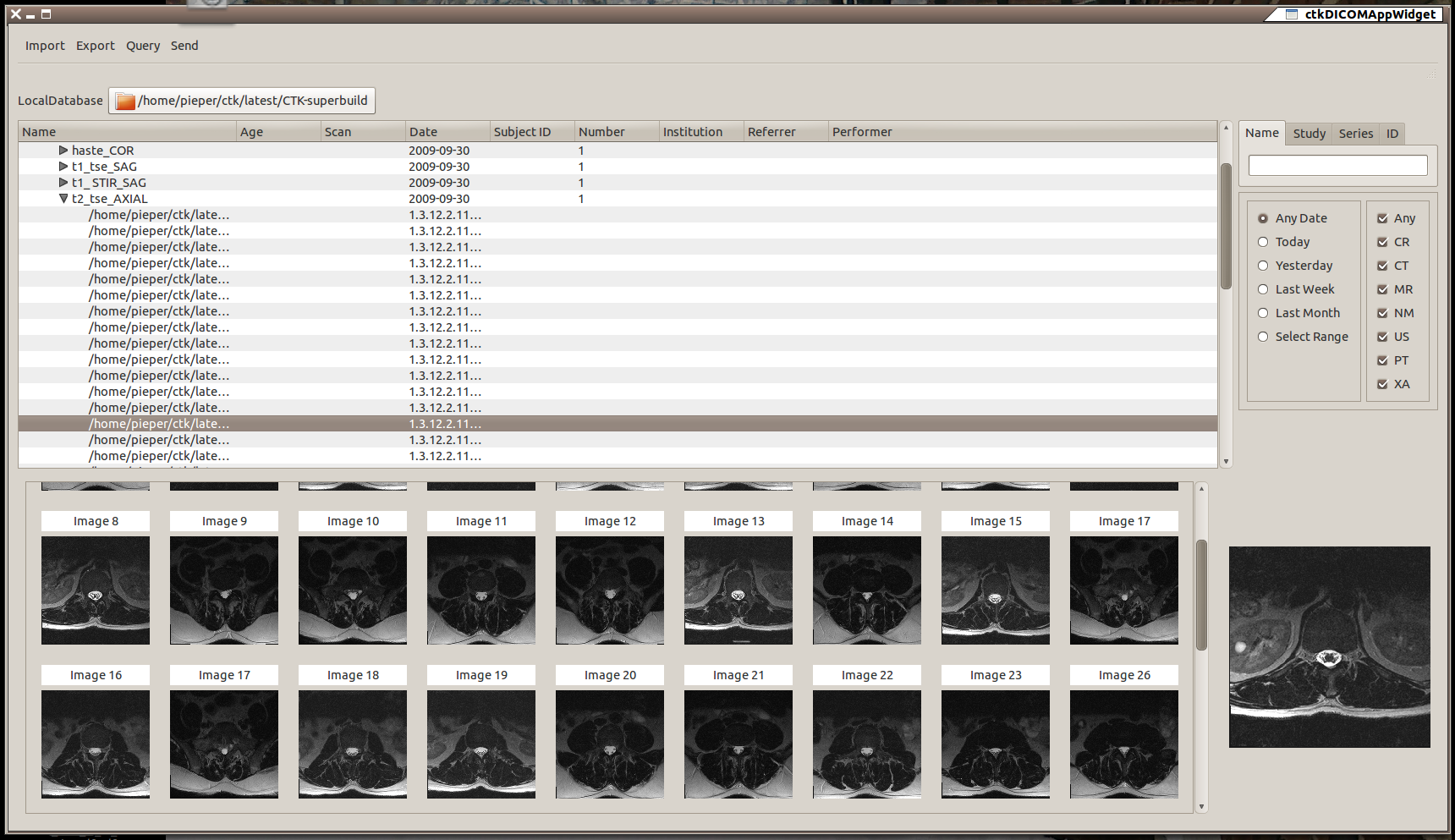 These classes are tied together into the ctkDICOM application that allows the user to do the following: - Local Library ** import dicom files from disk (optionally copy files to library directory) ** view local database directory in embedded viewer ** selecting series in tree view populates thumbnails for that series ** selecting image in tree view displays it in viewer - Query/Retrieve ** use a query dialog to access remote dicom resources (PACS, scanners, etc) ** retrieve remote datasets into local database
1. Next Steps A lot of fine tuning and testing is required on this code. Emphasis this week was on the naming conventions and major functional components so that an end-to-end demonstration of the PACS-to-viewer pipeline.
Major pieces for further work:
- Implement the Export and Send features of the ctkDICOM app (ctkDICOMSend would be a storage SCU and export would be implemented as methods on ctkDICOMDatabase)
- Add a Listener function (a.k.a. storescp probably as a ctkDICOMStorage class)
- Test on multiple PACS systems (so far CONQUEST and DCM4CHEE have been used for testing).
- Integrate widgets to invoke DICOM Application Hosting via the ctkDICOM interface
-
Work with user communities to refine/expand implementation to fit needs of slicer, mitk, maf, gimias, xip, etc…
- DICOM Application Hosting Achievements:
- Hosted application and hosting system coupled. The application gets a Dicom file from the host and displays a frame.
- The whole state machine defining authorised and forbidden transitions implemented. **Start, suspend, cancel,resume and exit actions supported.
- Signals emitted for each valid state transition to ease event driven implementation of applications and hosts.
- Mapped files are used in the host to serve files without copying data between host and application.
-
Interaction with old XIP software done. New XIP with updates from Larry on the way.
- Remote Event Bus
- Refactored the MAF event bus implementation to follow CTK naming conventions
- Extended CTK EventAdmin interfaces with remote event support
- Integrated unit tests
-
Moved code into the ctkEventBus branch
1. Next Steps - Rename the plug-in to point out its remote capabilities
- Write glue code for tighter integration with the plugin framework (use ConfigAdmin and Metatype specs)
- Integrate into CTK master
-
Create an example application to demonstrate how to use the plug-in
- Documentation and Wiki
- Doxygen 1.7.3 is now used to generate the CTK documentation
- CTK source code should be documented with the “\ingroup groupname” tag, to group classes, functions, macros, etc. semantically. See http://www.commontk.org/docs/html/modules.html
- The CommonTk Wiki contains now more information and first tutorials for the Plugin Framework.
- Wiki pages containing tutorial code can use an improved MediaWiki extension for syntax highlighting remote files (and only show certain parts of it).
-
The whole reference document for Dicom Application hosting is on the wiki. References to the doc from the source code (and doxygen) can be easilly done (needs to include images to the wiki, coming). The pdf, the wsdl and other xml files needed for implementation are also on the page.
- Agenda
- Sunday ** 1800: Superbowl: Dinner at Kildare’s Irish Pub (Across the street from the hotel) *** http://www.kildarespub.com/history.htm
- Monday ** 0900 - 1000: Welcome and Project overviews and goals ** 1000 - 1800: Hacking ** Diner: Mama Dips (Southern)
- Tuesday ** 0900 - 1800: Hacking ** 1800: “Pint Night” at Tyler’s Bar and Grill ** Diner: Los Potrillos (Mexican)
- Wednesday ** 0900 - 1800: Hacking ** 21:30: Duke vs. UNC: The Cave (bar pool)
- Thursday ** 0900 - 1800: Hacking ** Diner: Mediterranean Deli (J2’s favorite)
-
Friday ** 0900 - 1200: Project reviews and future plans
- Travel Hotel Local contact
- If you have any troubles during your visit, call Stephen on his cellphone: 1-919-423-8072
Airport
- Raleigh-Durham Airport (RDU): RDU hosts international flights from Frankfurt, London, and Toronto; as well as frequent flights from New York, Washington DC, Atlanta, and many others.
- Taxi ride from the airport to the hotel is about $40 and takes about 30 minutes.
Lodging
- The Franklin Hotel: We have reserved a block of rooms at a reduced rate. Mention that you are part of the “KITWARE INC” meeting. The negotiated rate is $139 per night. ** RESERVATIONS MUST BE MADE BY FRIDAY, JANUARY 28TH. ** The Franklin Hotel is central to the business district of Chapel Hill and 0.5 miles from the University of North Carolina campus MAP.
Meeting Location
- The Franklin Hotel: The meeting room will be at the Franklin Hotel. They will be providing snacks and drinks throughout the day.
Weather
- Average min/max temperature in February in Chapel Hill: 32F/55F
Connectivity
- TBD